First, what is Quad9?
Quad9 is a public DNS resolver. People set it as their DNS server, and it answers the question "where is this domain?" for every site they visit. Quad9 builds its blocklist from threat intelligence "from a variety of public and private sources", and the list updates several times a day.
When a domain is on the list, Quad9 returns NXDOMAIN, the answer for a domain that does not exist. The visitor sees an error that says your site is missing, with no warning page. Quad9 blocks the whole domain. It does not scan your files.
Who can't reach you right now
Where it's used, and who shares it
These engines are independent from Quad9. If they flag you too, each one needs its own request:
 Google Safe Browsing →
 Kaspersky →
 ESET →
 Bitdefender →
How to tell if you're flagged
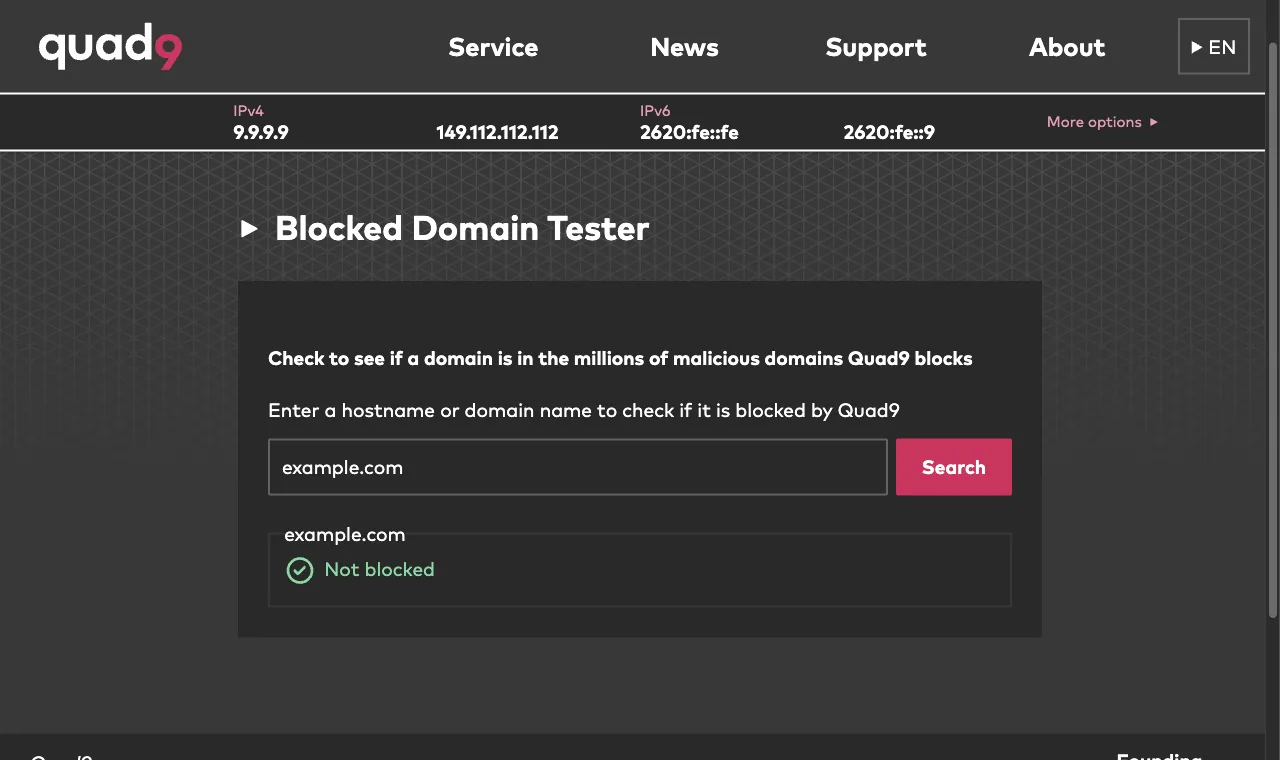
 Quad9 Blocked Domain Tester (quad9.net/result). Enter your hostname or domain name and click Search. The page shows the domain and a status, such as "Not blocked".
 VirusTotal. Scan the domain and look at which engines flag it. Quad9 takes part of its list from outside threat intelligence providers, so a flag elsewhere can be the source.
- User reports. Ask an affected visitor to open on.quad9.net. It says Yes or No for whether their device uses Quad9. If the answer is Yes and your site fails to load, Quad9 is the cause.
Asking Quad9 to fix it
Look up your URL
Open the Blocked Domain Tester. It has one field, "Enter a hostname or domain name to check if it is blocked by Quad9". Type your domain, such as example.com, without https:// and without a path, and click Search. The result shows your domain and a status. "Not blocked" means Quad9 does not block it. If the status says the domain is blocked, go on to step 2.
Check that it is a mistake
Quad9 blocks a domain because a threat intelligence provider listed it. Look at your own site for injected code, unknown pages and redirects, and clean them first. Scan the domain on VirusTotal to see which engines list it. If the site was hacked and is now clean, say so in your request. If the site was never compromised, say that and describe what it is.
Send the review request
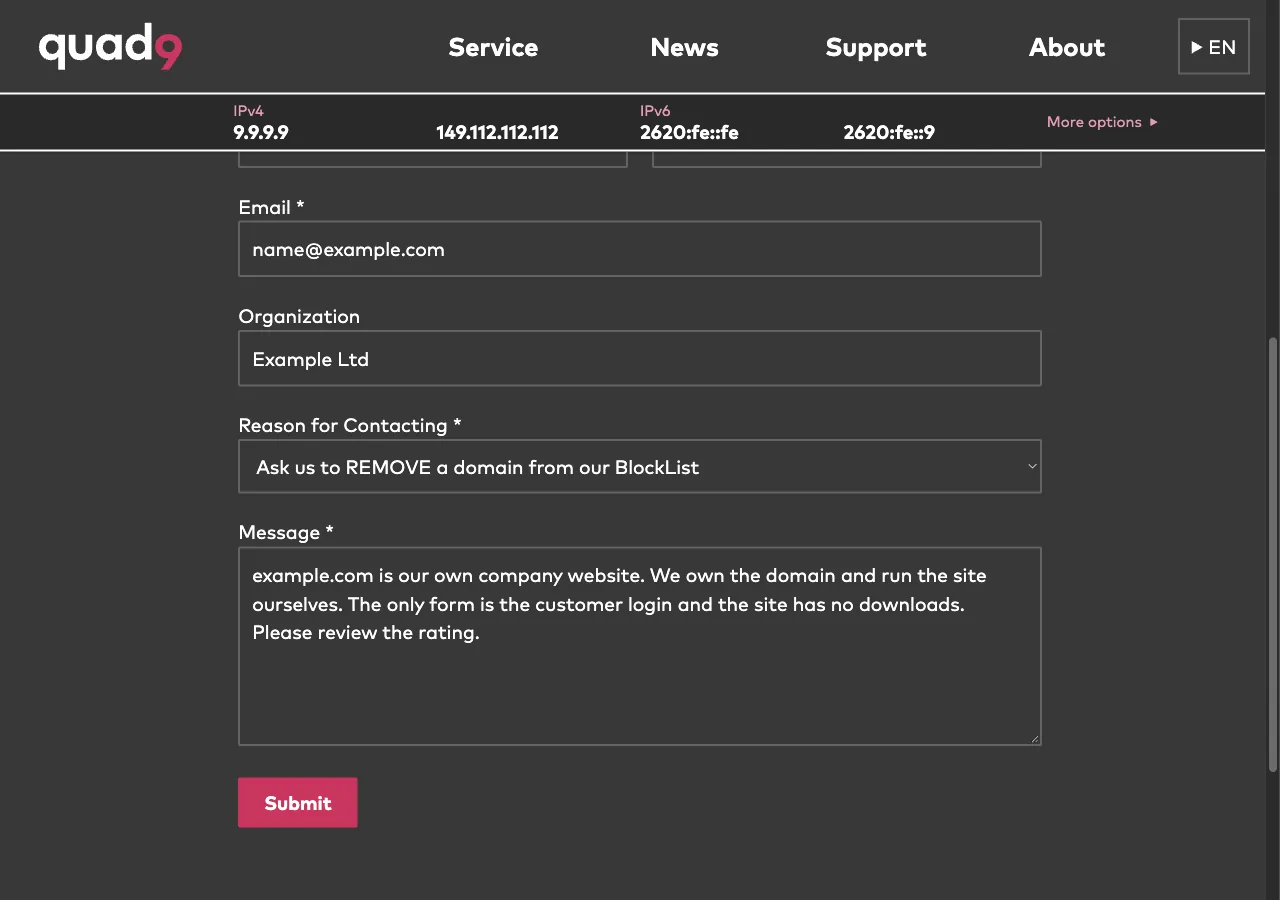
Open the form at quad9.net/support/contact. You need no account. The form has these fields, in this order: First name, Last name, Email, Organization, Reason for Contacting, Message. The Organization field is optional. The Email label does not ask for a company address, so a personal email is fine. Under Reason for Contacting, choose "Ask us to REMOVE a domain from our BlockList". In Message, describe the issue: give the domain, say what the site is, and say that you own it. Then click Submit. Quad9 also lists the address [email protected] on the same page.
Domain blocked by mistake

First name:           Alex
Last name:            Example
Email:                name[at]example[.]com
Organization:         Example Ltd (optional)
Reason for Contacting: Ask us to REMOVE a domain from our BlockList
Message:              The domain example[.]com is blocked by Quad9.
                      It is the website of our company, Example Ltd.
                      We own the domain and run the site ourselves.
                      The Blocked Domain Tester shows it as blocked.
                      The site has no downloads and no hidden pages.
                      Please review the domain and remove it from
                      the BlockList.
Wait and check the result
Quad9 states no turnaround time. Its FAQ says only that Quad9 will "quickly investigate and recategorize" a false positive. Run your domain through the Blocked Domain Tester again every day or two. When it shows "Not blocked", ask an affected visitor to reload your site.
Other ways to report
Quad9 explains its own rules for false positives on these pages: